




Plan A Research Visit
Open to all, the Hoover Institution Library & Archives welcomes those interested in the meaning and role of history into our reading room at Stanford University to explore library materials and archival collections. Whether you are a student, scholar, or lifelong learner, everyone must reserve a seat in the reading room at least 7 calendar days in advance of visiting and can request up to 7 boxes per reservation.
Complete 4 Key Steps
Step 1: Register For Access Using Aeon
Step 2: Reserve a Seat
Step 3: Research & Request Materials
Step 4: Prepare for Visit

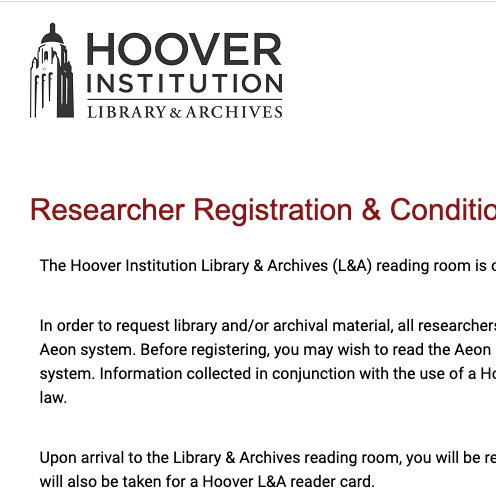
Register For Access Using Aeon
All researchers must register and create an account with Aeon, the Hoover Institution Library & Archives’ online reservation and request system. Aeon allows users to request materials, make reservations, and place digitization orders.

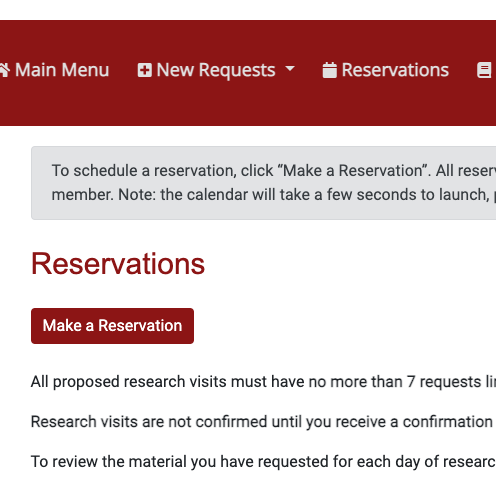
Reserve a Seat
Researchers must reserve a seat at least 7 calendar days in advance of their visit to the reading room on the Stanford University campus. Available seats may fill up several months in advance, so please make your reservations as soon as possible. Reservations are available on a first-come, first-served basis.

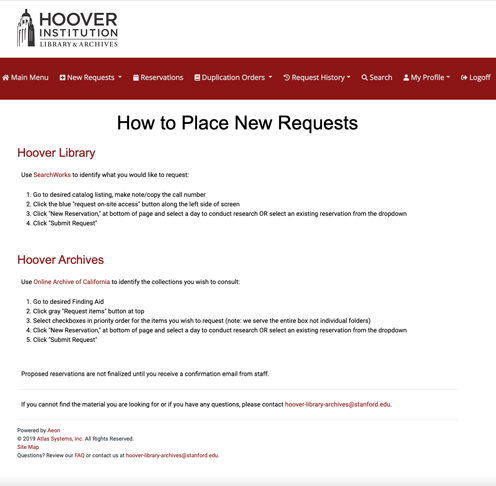
Research & Request Materials
To find the most relevant materials for your research, please consult our Search the Collections page. Contact us if you need help. Researchers can request up to 7 boxes per reservation. If you have more than one reservation, request all items in priority order and attach them to your first day. Staff will link 7 boxes at a time, based on priority, to each subsequent day.

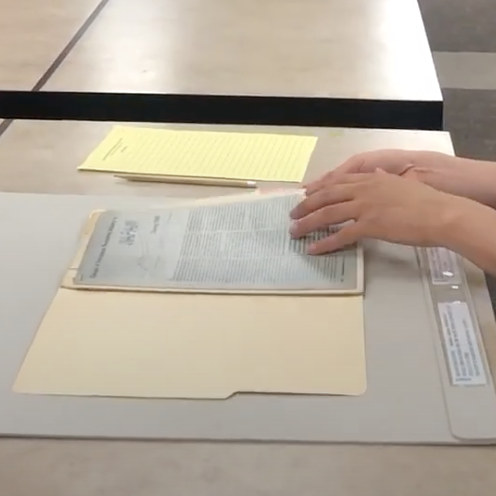
Prepare for Visit
To ensure an efficient research experience, you are encouraged to book your travel and accommodations after Steps 1-3 are completed. To prepare for your visit, please review our visitor requirements.
Ask a Question
Should you have any questions about the above information, contact our Research Services team directly through Stanford Services & Support.
Schedule a Consultation
Whether you are planning an in person visit to the reading room or conducting your research online, staff are dedicated to connecting you with the most relevant materials through phone, Zoom, or in-person consultations.
Visitor Requirements
Personal travel to and accommodations near Stanford University should be booked only after completing the 4 Key Steps. To prepare for your visit, please review our visitor requirements.